-
What is Pager?
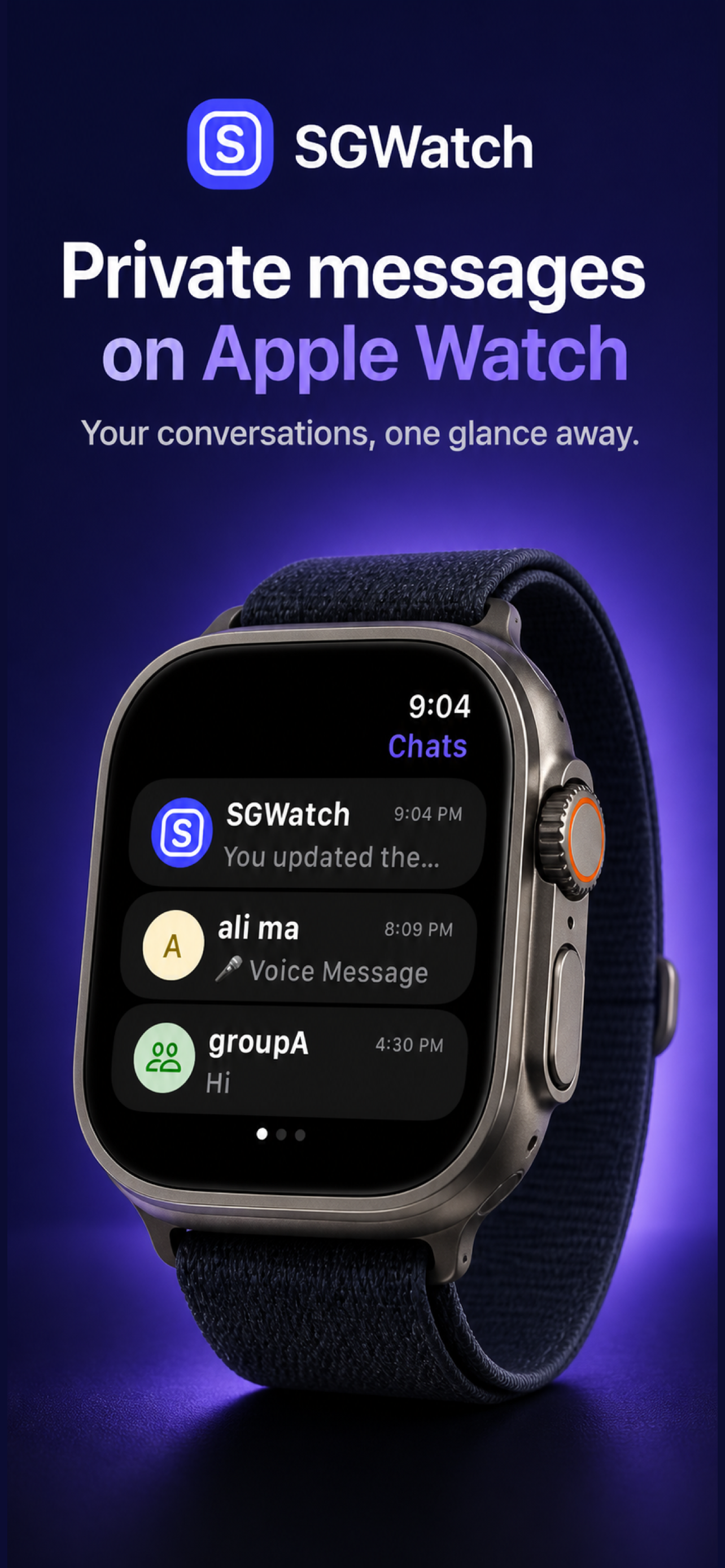
Pager brings private messaging to Apple Watch. You can read and send private messages, browse conversations, use quick replies, and access supported one-to-one calls from your wrist.
-
Does Pager work without an iPhone nearby?
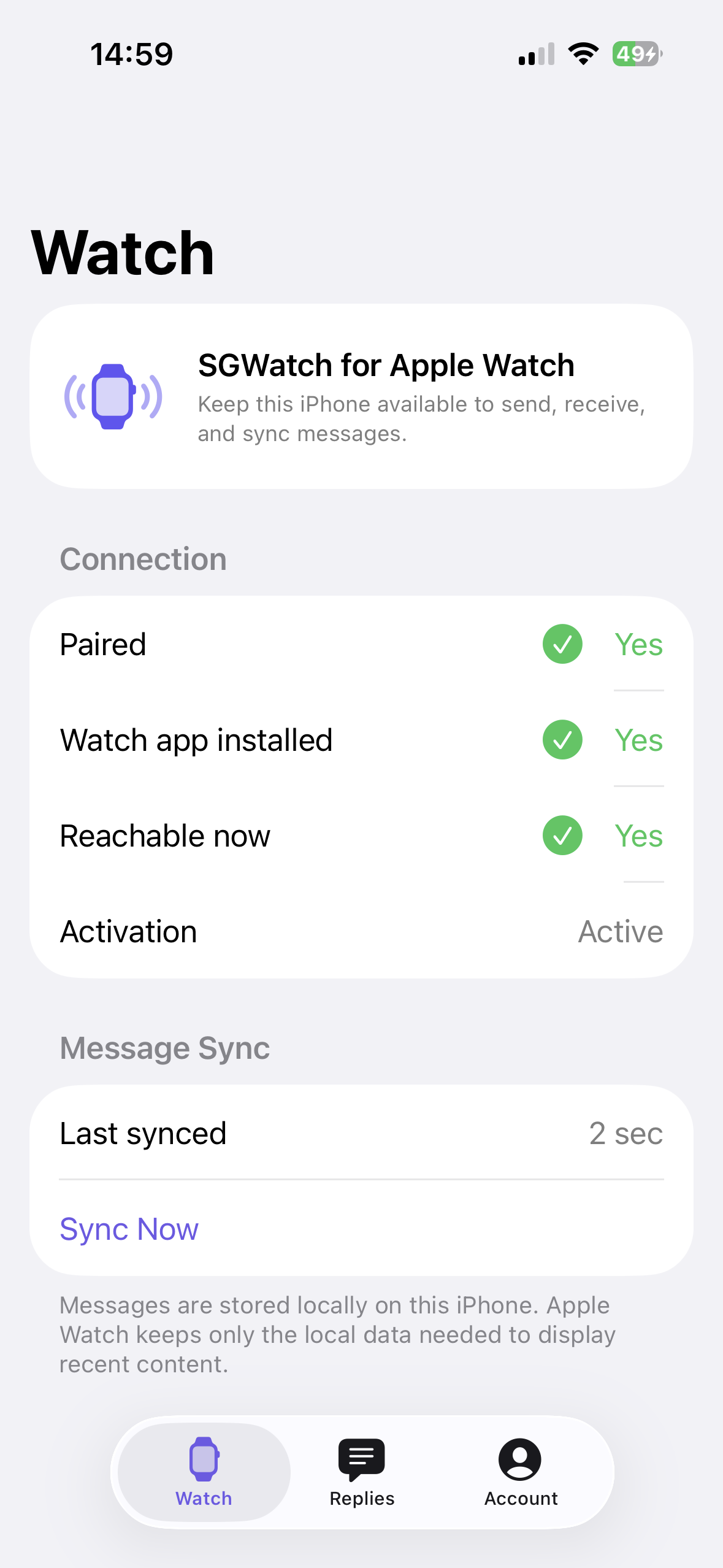
Some watch features can continue over Wi-Fi or cellular when your account and network support them. Linking, message synchronization, and some account settings use the iPhone companion.
-
What can I send from Apple Watch?
Pager supports text, voice messages, images, stickers, and saved quick replies. Available features may depend on your account, connection, and watch model.
-
Where is my private data stored?
Synchronized data is encrypted and stored locally on your iPhone. Pager does not access, read, or sell your private conversations.
Pager
Private chat on Apple Watch
Read and reply to private conversations, send quick replies, and make supported one-to-one calls from your wrist.

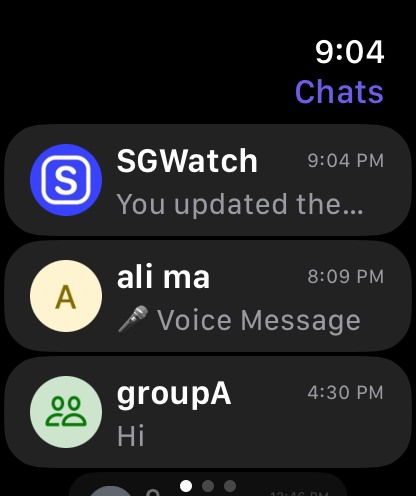
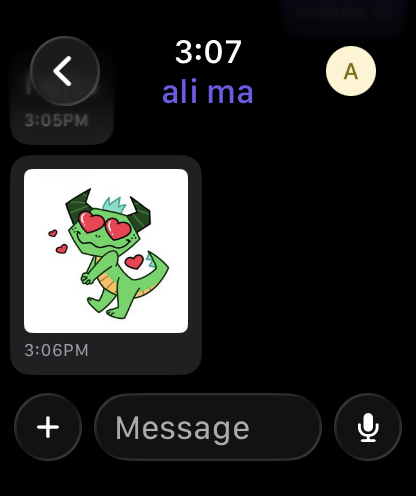
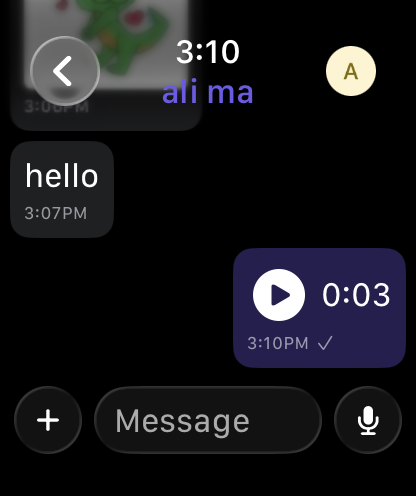
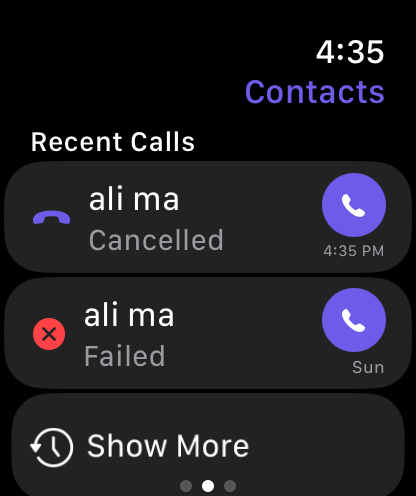
Private conversations, right from your wrist

text

images

voice

stickers

quick replies

calls
Private messaging, designed for Apple Watch
Pager keeps private conversations close at hand with a focused, glanceable watch experience.
Private messages on your wrist
Read and send private text messages, browse conversations and contacts, and keep up with conversation history from Apple Watch.
Supported one-to-one calls
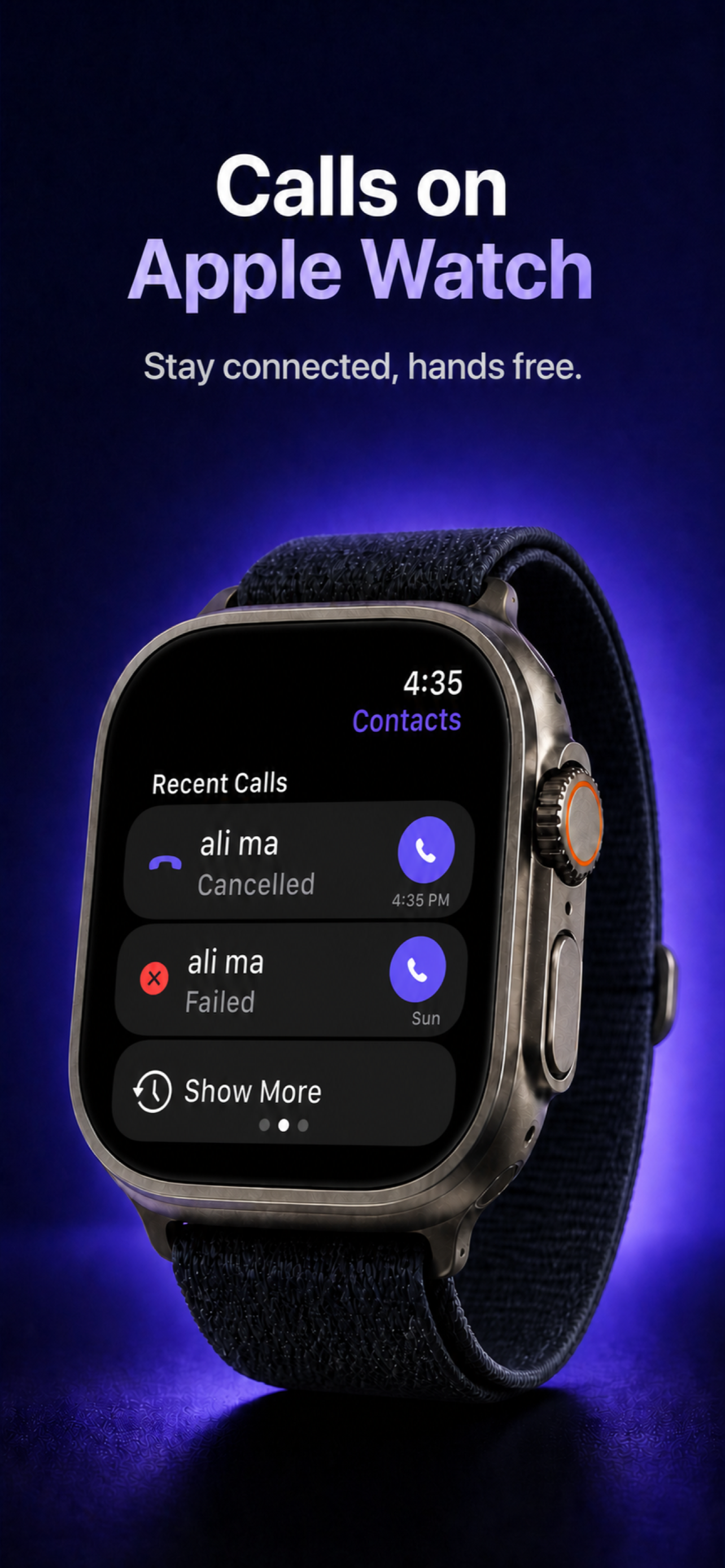
Place voice calls from Apple Watch when calls are enabled for your account and network, with Watch microphone and speaker support.
Replies that fit the moment
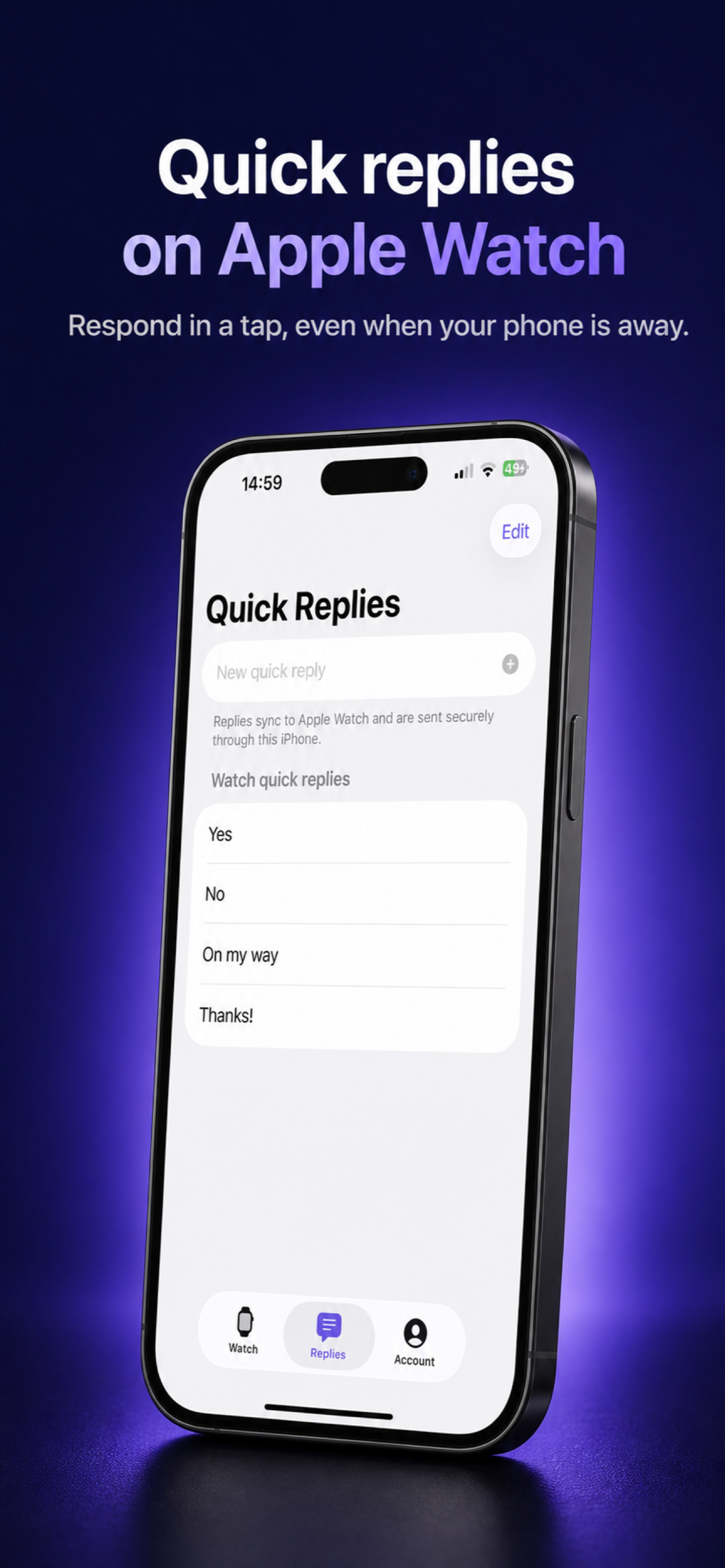
Reply with text, voice messages, images, stickers, or saved quick replies without opening a full phone interface.
Your conversations stay private
Pager connects to compatible private messaging infrastructure implementing the Signal Protocol. Synchronized data is encrypted and stored locally on your iPhone. Pager does not access, read, or sell your private conversations.
FAQ
Questions and answers

Private messaging, one glance away
Download Pager and keep your conversations, quick replies, and supported calls close at hand.
Download Pager